Custom HUD Profiles
- CoffeeHUD Lite - for Heads Up Tournaments by husng Jul. 26, 201246774 downloads
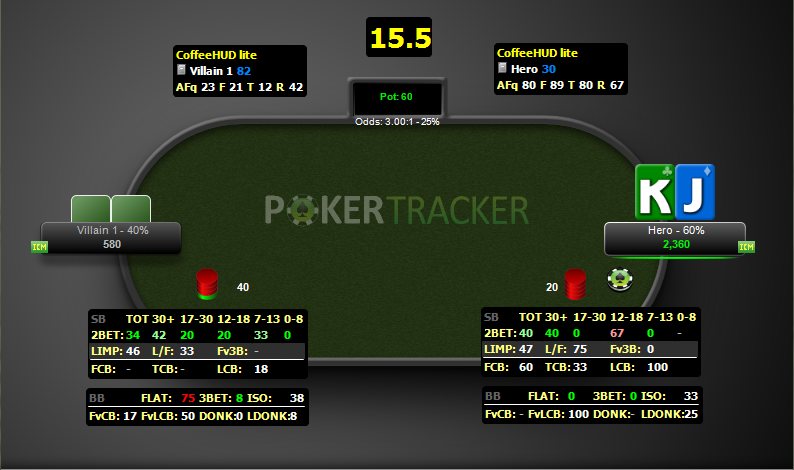
This is a lite version of the CoffeeHUD, compliments of HUSNG.com
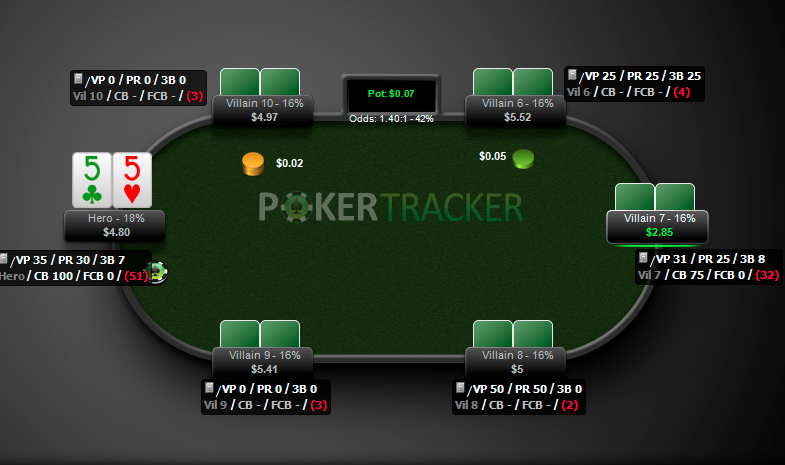
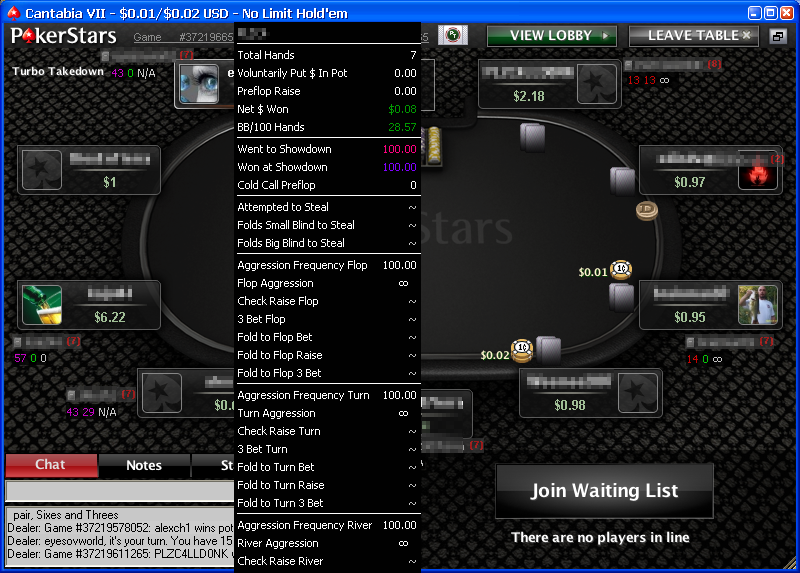
The CoffeeHUD is not only designed to be the best HUSNG HUD on the market but to stand head and shoulders above other HUDs. The idea is simple: to give you the maximum amount of information in the most effective ways. - High Speed HUD - (Zoom, Rush, FastPoker, etc) by StevenM Sep. 05, 201227068 downloadsThis HUD Profile is a duplicate of the default Cash Game profile in PokerTracker 4, with the Live Amount Big Blind stat removed from the on-table HUD Group. This Live Amt BB stat cannot be used at Fast Table games such as Zoom, Rush, or Speed Hold'em tables because PokerTracker has no way of calculating this stat with knowing the results of the prior hand. You can set this HUD to be the default profile selected for all Fast Table games in PokerTracker 4 by defining a Speed of Fast Tables in HUD: HUD Options Configuration: Profile Select
- NASH Heads UP HUD for PT4 by StevenM Sep. 04, 201322816 downloadsThis is the default Tournament HUD with a revised table average group which contains the effective stack size at the table in BBs (accurate only when Heads Up) with popus for NASH Caller and NASH Pusher hand chart ranges. When the table average Effective Stack stat turns red, it means that the effective stack has dropped below 10 BB which is where a NASH push/fold strategy is most effective. Click on the Table Average group to display the Nash Push/Call tables. Inspired by Parket's PT3 Nash HUD originally posted on May. 26, 2011
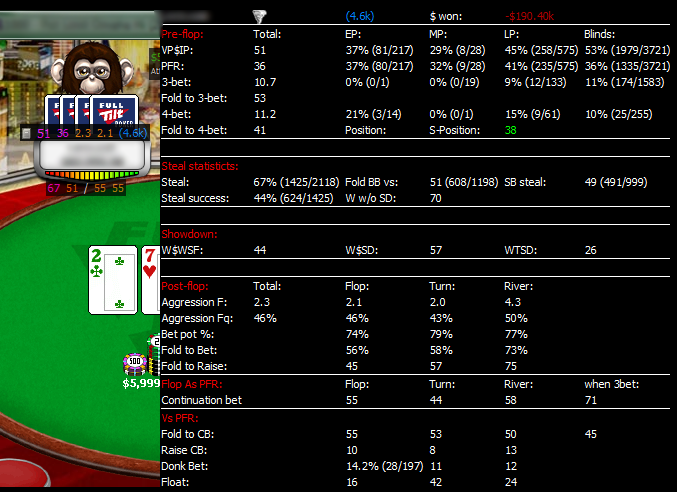
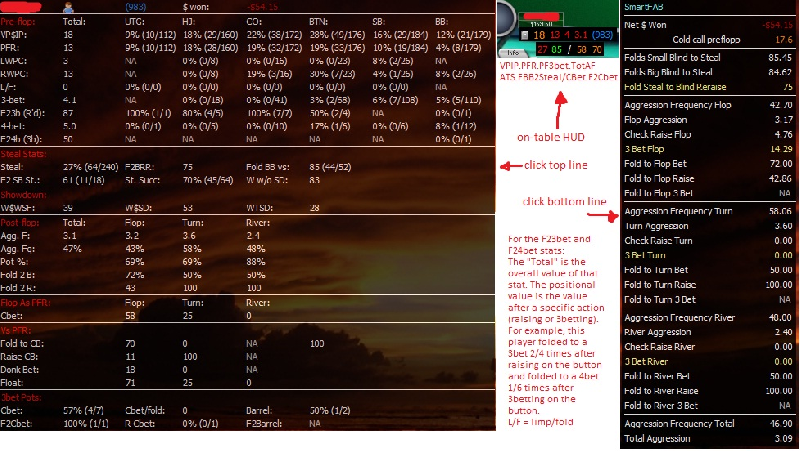
- ProPokerHUDs MTT HUD by APerfect10 Mar. 25, 20146712 downloadsThe ProPokerHUDs MTT HUD was designed with input from a number of high stakes pros with millions in winnings online, including former PokerStars Pro Grayson 'spacegravy' Physioc and Adam ‘Squee451’ Sherman - resulting in the most advanced MTT HUD available today.
Key Features:
- 100s of custom statistics on over 25 highly detailed popups - Many broken down by situation and stack size.
- TableVision elements - A wide variety of statistics are broken down by position are arranged in the familiar poker table layout.
- Advanced visualizations - A new dimension in the way data is presented, making statistics easier to locate and comprehend than ever before.
- Dedicated Short Stack Popup - Featuring shove and non all-in statistics for different shallow situations.
- Advanced Color Coding - Intuitive and clear color coding provides visual feedback on both the value and sample size of essential statistics.
- Panel Magnification - “Zoom in” on table panels with just one click of the mouse.
Brought to you by ProPokerHUDs.com
Starting from $49.99 | Free 15-day trial - 2H SPINnGO Pro Free - Heads-Up HUD by vi11age Aug. 01, 20179044 downloads
Free version of our Heads Up HUD designed for 2-handed part of the Spin & Go tournament.
It can also be used in any Heads Up tournament format or any tournament when there are only 2 players left at the table.
This HUD has 5 panels: SB PRE, SB POST, BB PRE, BB POST and Player panel.
It includes lots of important stats that you need when playing Heads Up.Full version of our Heads Up HUD has many more preflop and postflop stats.
It has all preflop stats broken down by effective stacks, it has advanced pop-up panels and many turn and river stats that are not included in the free version.You can request a free trial of our Full HUD from our website: spinngo.pro
- Advanced Hud M3 - Cash by kraada Apr. 03, 200924051 downloads
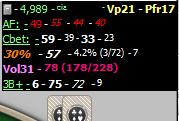
This is the Advanced HUD's most recent cash edition, as shown in the How To: Advanced HUD Configuration. For more screenshots, descriptions of how to build it, and a more general detailed explanation, please see that thread.
Note: You must import the stats included in the zip file in order for the layout to import properly. - Default HUD Layout by APerfect10 Apr. 04, 200916584 downloads
The default HUD layout provided with PokerTracker 3.
Includes the following info:- Player Name
- Player Icon
- Total Hands
- Voluntarily Put $ in the Pot
- Pre-flop Raise
- Total Aggression Factor
- Cash HUD inspired by HEM by petter_1 Apr. 06, 200928784 downloads
Includes the following info:
- Player notes
- VPIP
- PFR
- Preflop aggression factor
- Total hands
- new line
- Attempt to steal blinds
- Folded BB to steal
- C-bet flop
- Fold to flop C-bet
-
Table average:
- Total amount won/ lost
- Preflop 3-bet
- Attempt to steal blinds
- Fold BB to steal
- Advanced HUD - M4 Tournament by kraada Aug. 08, 200915180 downloads
This provides the tournament HUD as described in the How To: Advanced HUD configuration. This includes the M stat. If this is your first time running this HUD, you will need to import the statistics included in the zip file.
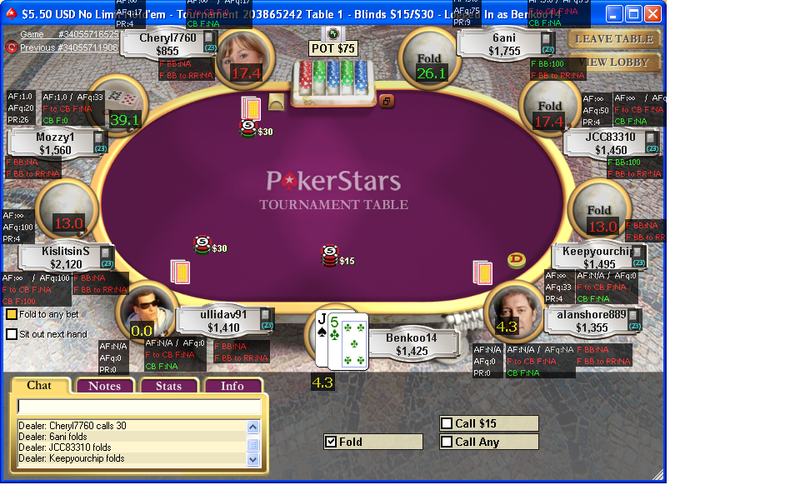
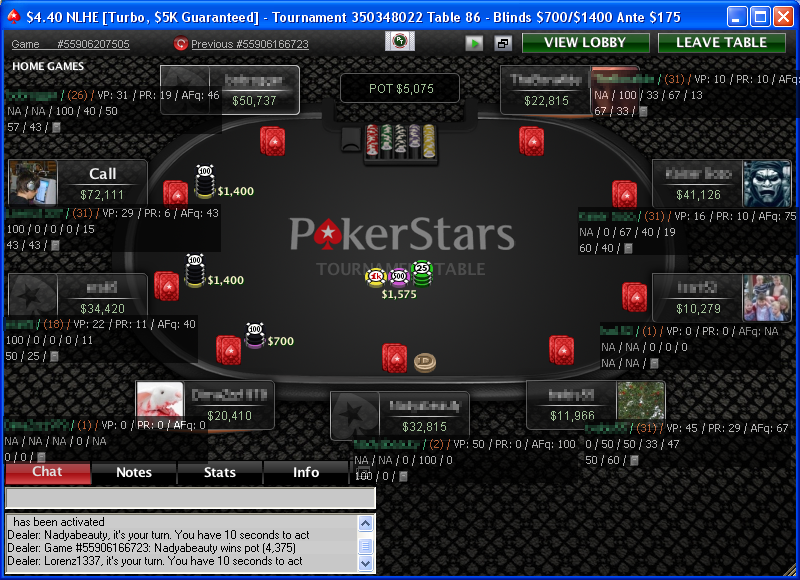
- PS Sit and Go's 9pl. at table by Benkoo14 Oct. 14, 200918676 downloadsThis is a Layout for Sit and Go's especially at Pokerstars. Works as well at Full Tilt and other Sites with 9 players at a table. It is seperated in different "Mini-Huds" so you can arrange them at your wishes. Unfortenately it is still not possible to put in the "Player Icon" on Tournaments with Pokertracker 3
- Old default PT3 profile by WhiteRider Dec. 26, 200912155 downloads
This is the original default HUD layout from the initial release of PT3, which has a single popup group.
- HUD _Personne_ de Poker Académie by _Personne_ Jan. 07, 201011791 downloads
Le HUD qu'il vous faut !
- HU Nash Tables by Parket May. 26, 201110575 downloads
Shows effective stack size in #BB for HU play. The stat should be used as a Hero Only statistic. Default color code is to show the stat in red when effective stack drops below 10 BB which is where a push/fold strategy starts making sense.
Clicking on this stat pops up the actual Nash Push/Call tables.
Requires the "Effective Stack in #BB (HU only)" custom stat. - HUD for Heads-Up SNG only by Polycarpus Sep. 15, 201115461 downloads
Small and handy HUD for HUSNG games.
Includes color coding with blue for stationary, green for tight and red for aggressive. Feedback can be given to [email protected] and will be used to improve the HUD and provide updated versions. - PLO HU Hud by AequitasAUT Apr. 28, 201213557 downloads
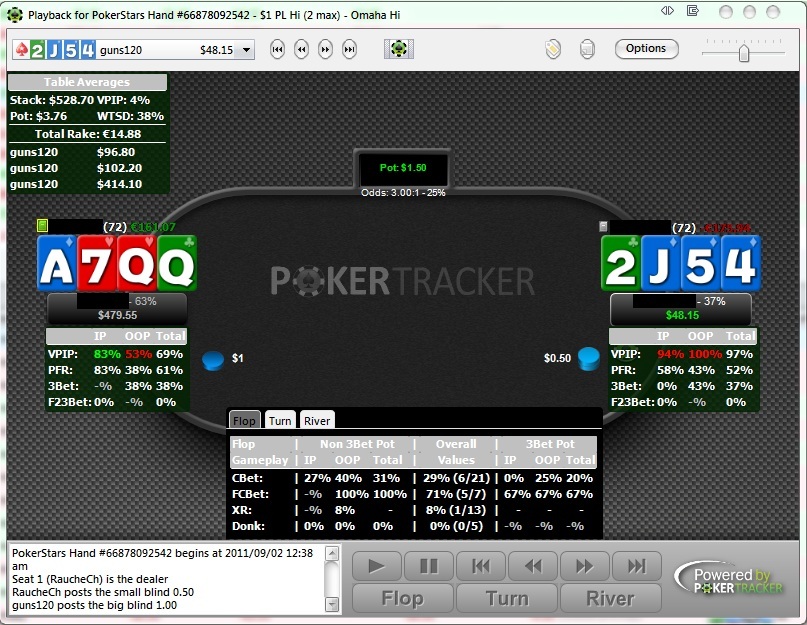
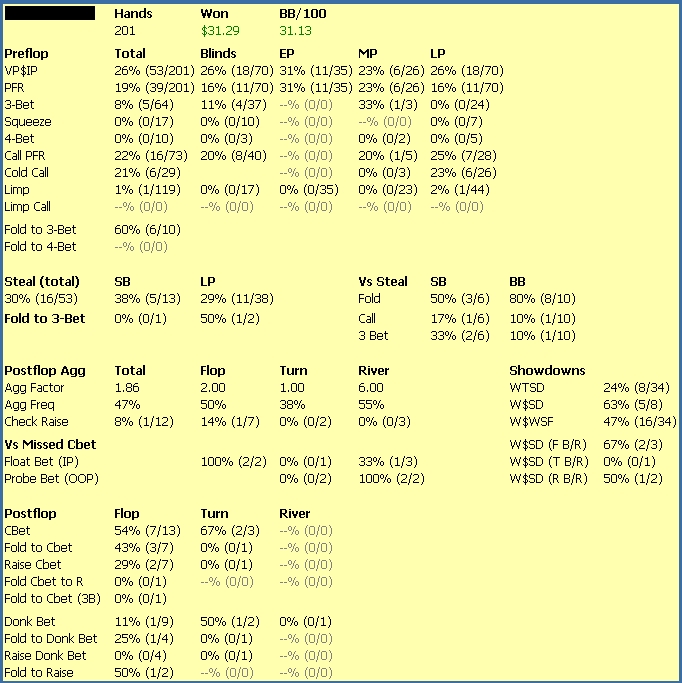
Cause I'd like to play PLOHU more often in the future I decided to make a HUD for Pot Limit Omaha HeadsUp Game. The HUD is very simple and shows Preflop Information all the time. Clicking on the Player Name shows the PT4 Default "Omaha Tools" Popup. Clicking on the Preflop Information Box shows additionals Information in 3 Tabs for Flop, Turn and River. All Informations are shown as "in Position", "Out of Position" and "Total". The Street Information for Flop, Turn and River is also seperated in non 3Bet Pots and 3Bet Pots.